01 · Evaluate
See the whole-school picture
Bring your evaluations, evidence and chosen priorities together. See strengths and areas needing attention at a glance.
Evaluate your school, plan the next steps and review progress in one shared workspace. Optional AI helps you draft updates and governor reports, ready for your approval.
Scroll to see how evaluation, planning and reporting connect.
Bring your evaluations, evidence and chosen priorities together. See strengths and areas needing attention at a glance.
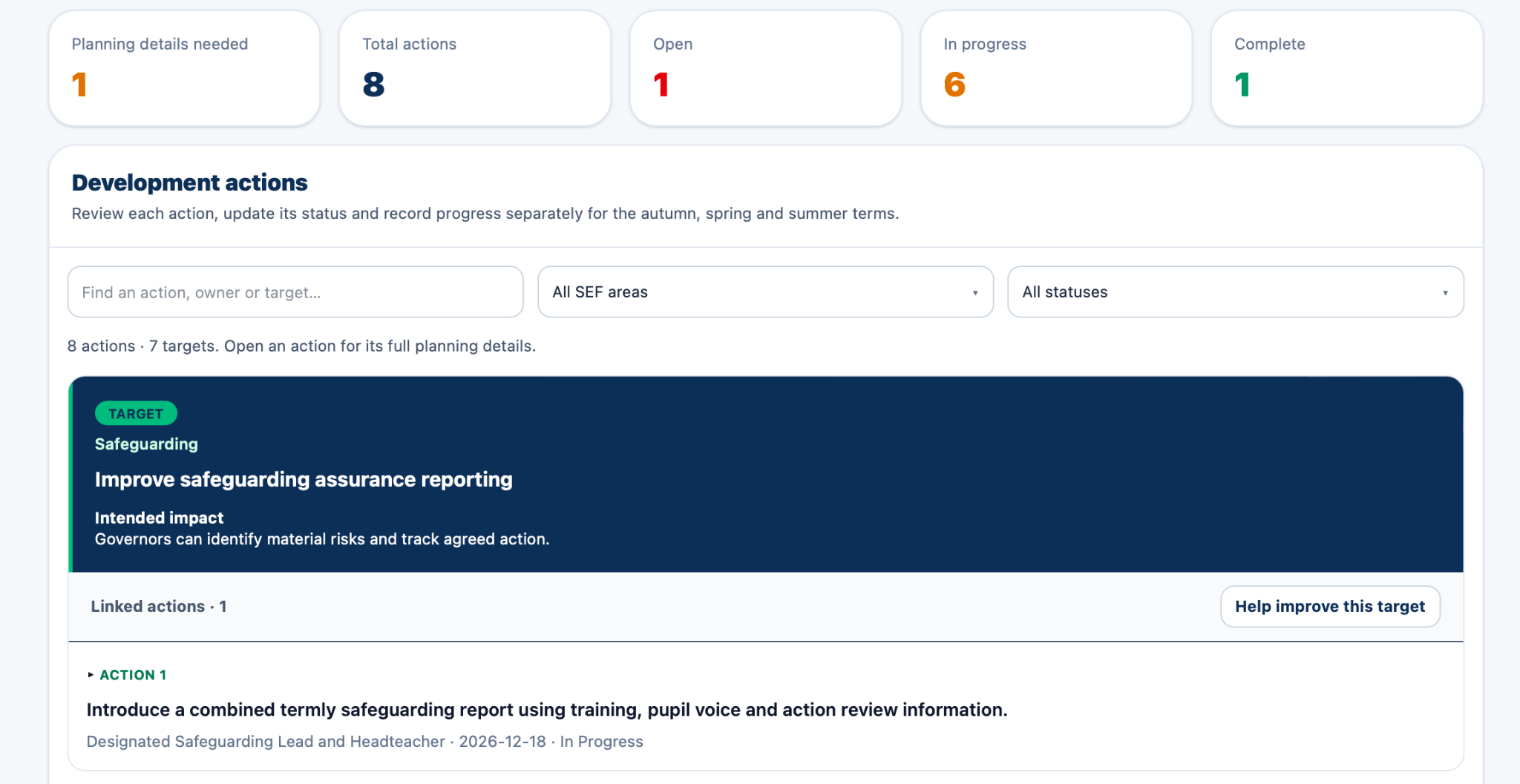
Keep each target and intended impact with its actions, owners, deadlines and success criteria.
Review the plan with your leadership team. Record progress, evaluate the evidence and retain previous reviews.
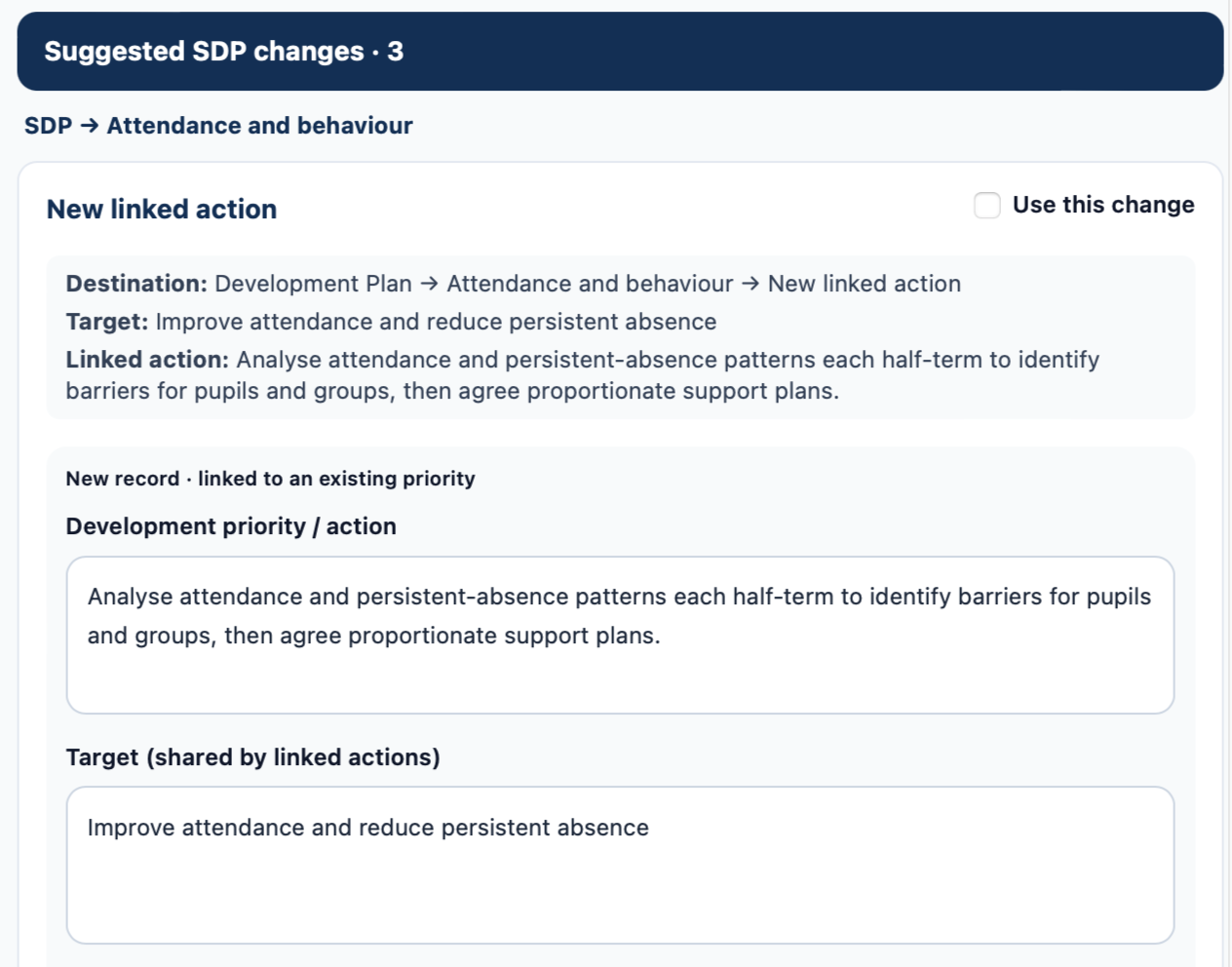
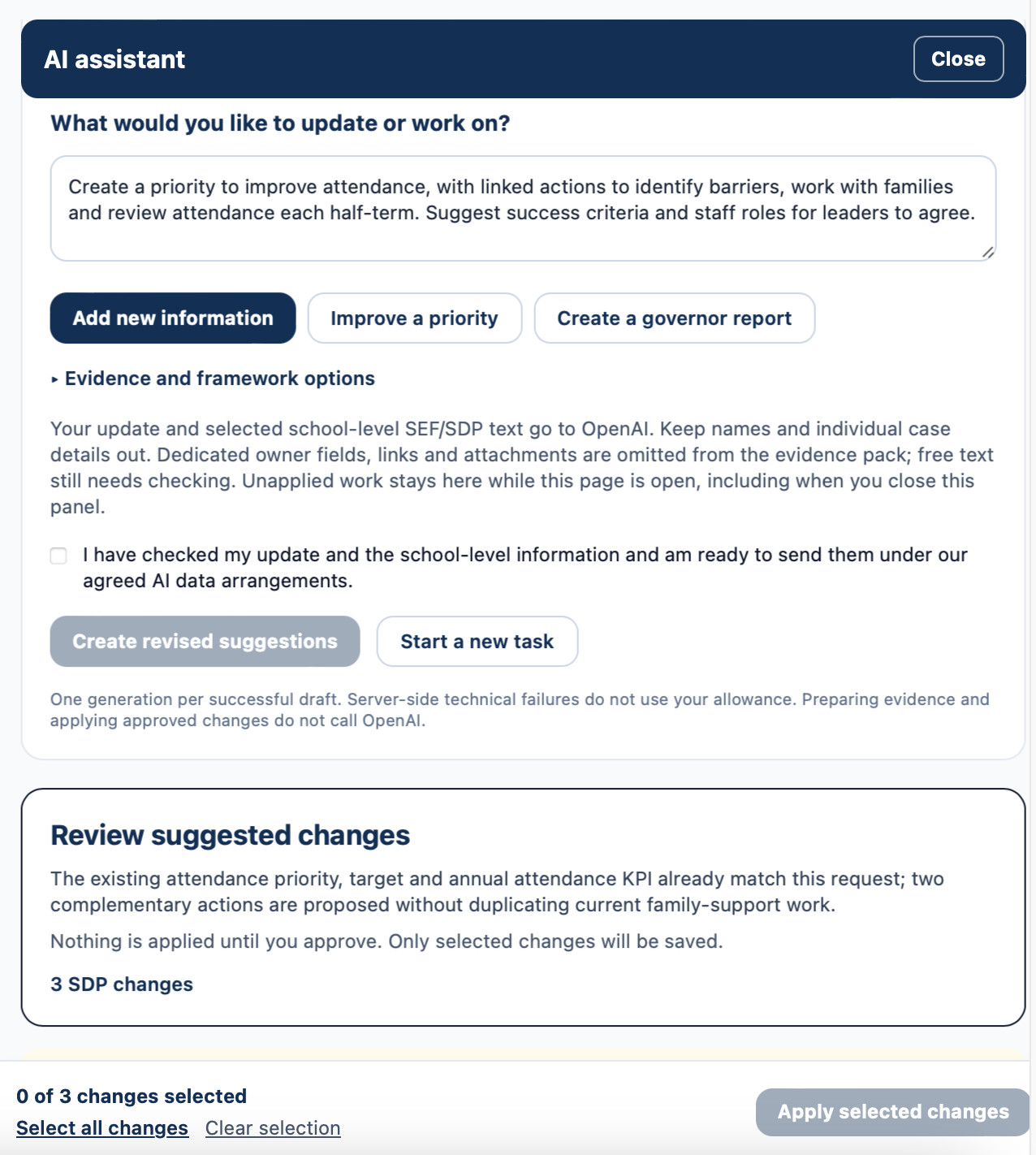
Add school-level information once. Review suggested SEF and SDP updates, develop priorities and linked actions, then approve the changes you want.
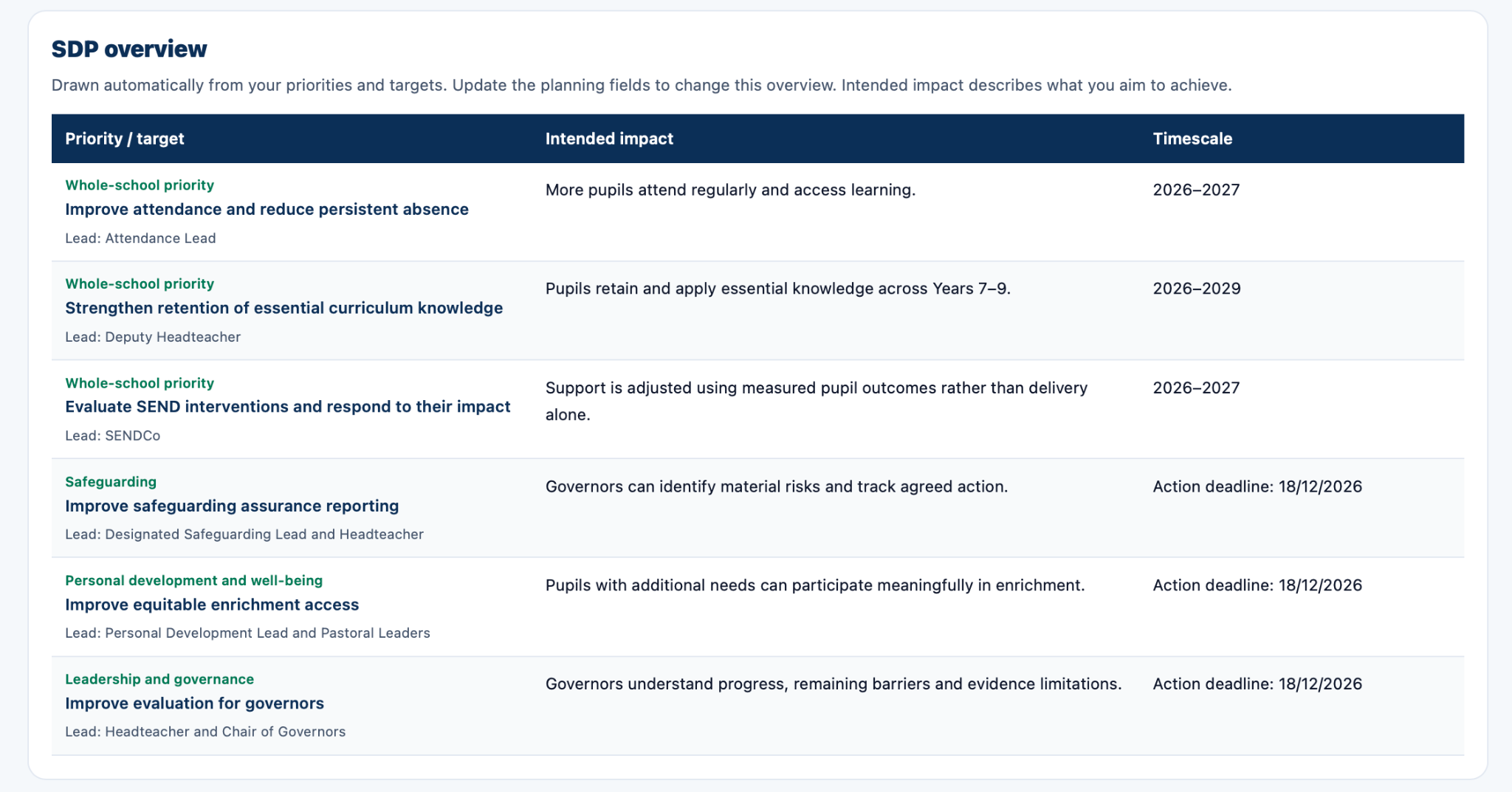
Optional AI add-onExport your school’s evaluation and development plan with clear sections and linked contents. Choose an SDP organised by actions or as a table.
Included in the core subscription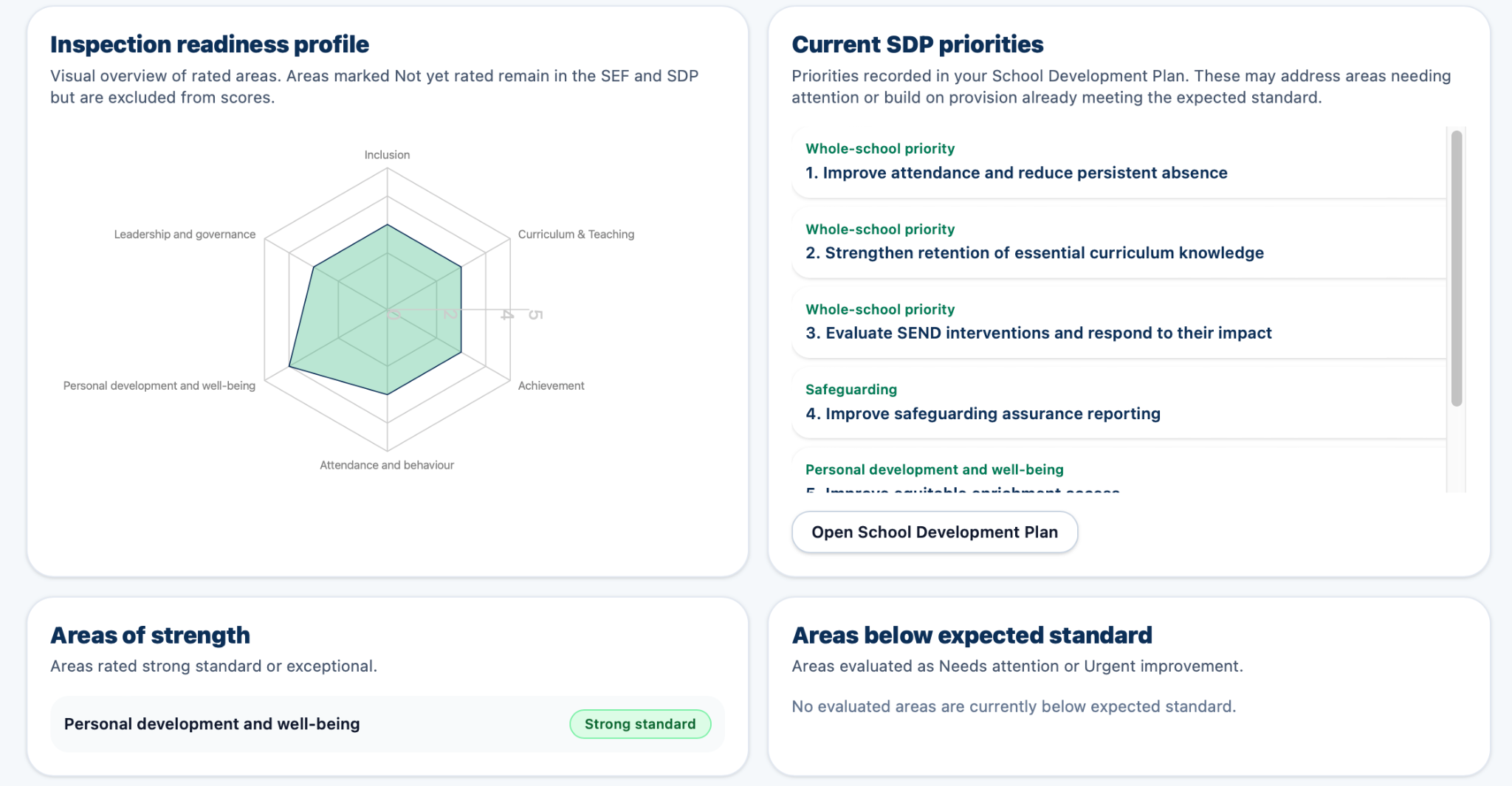
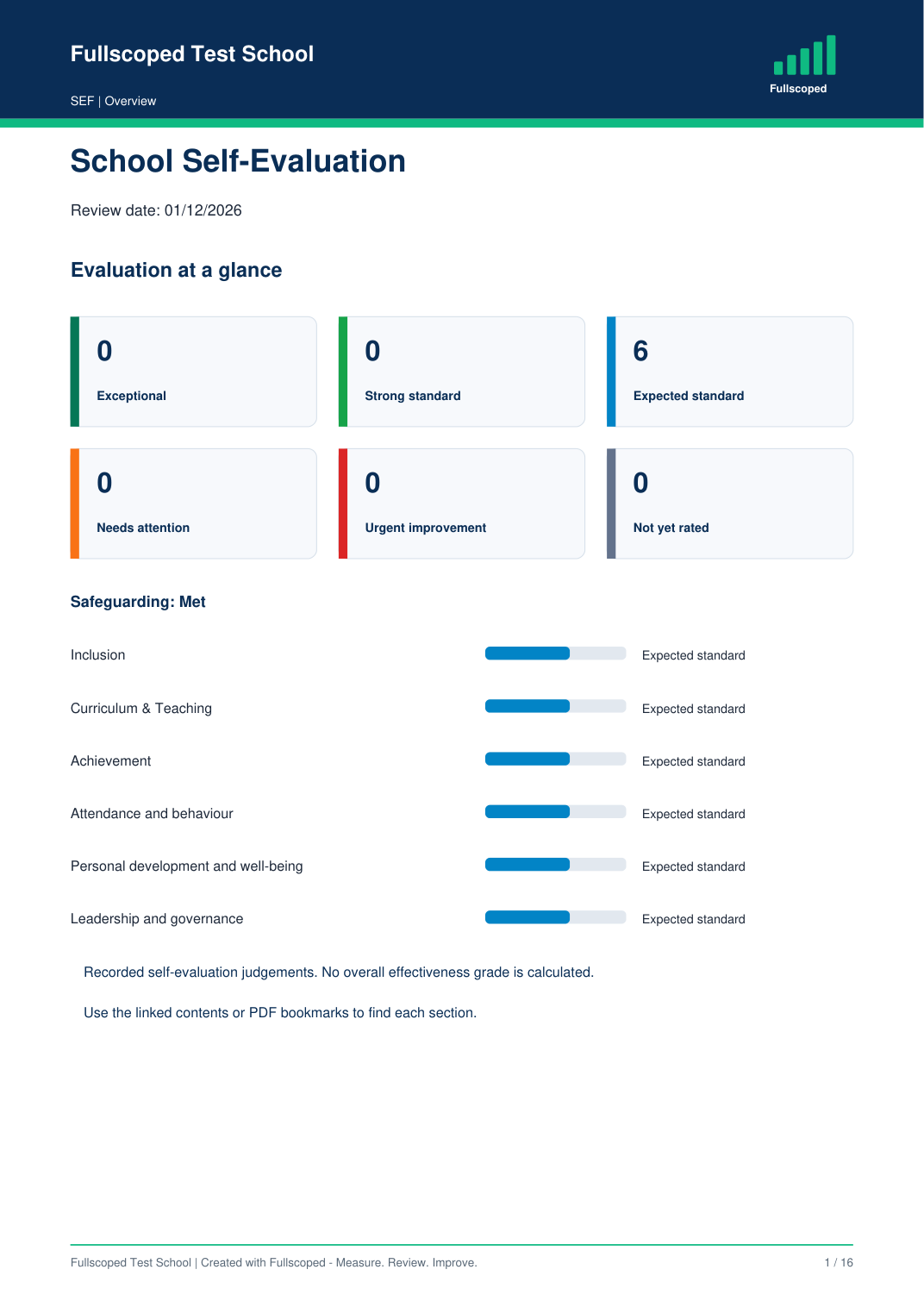
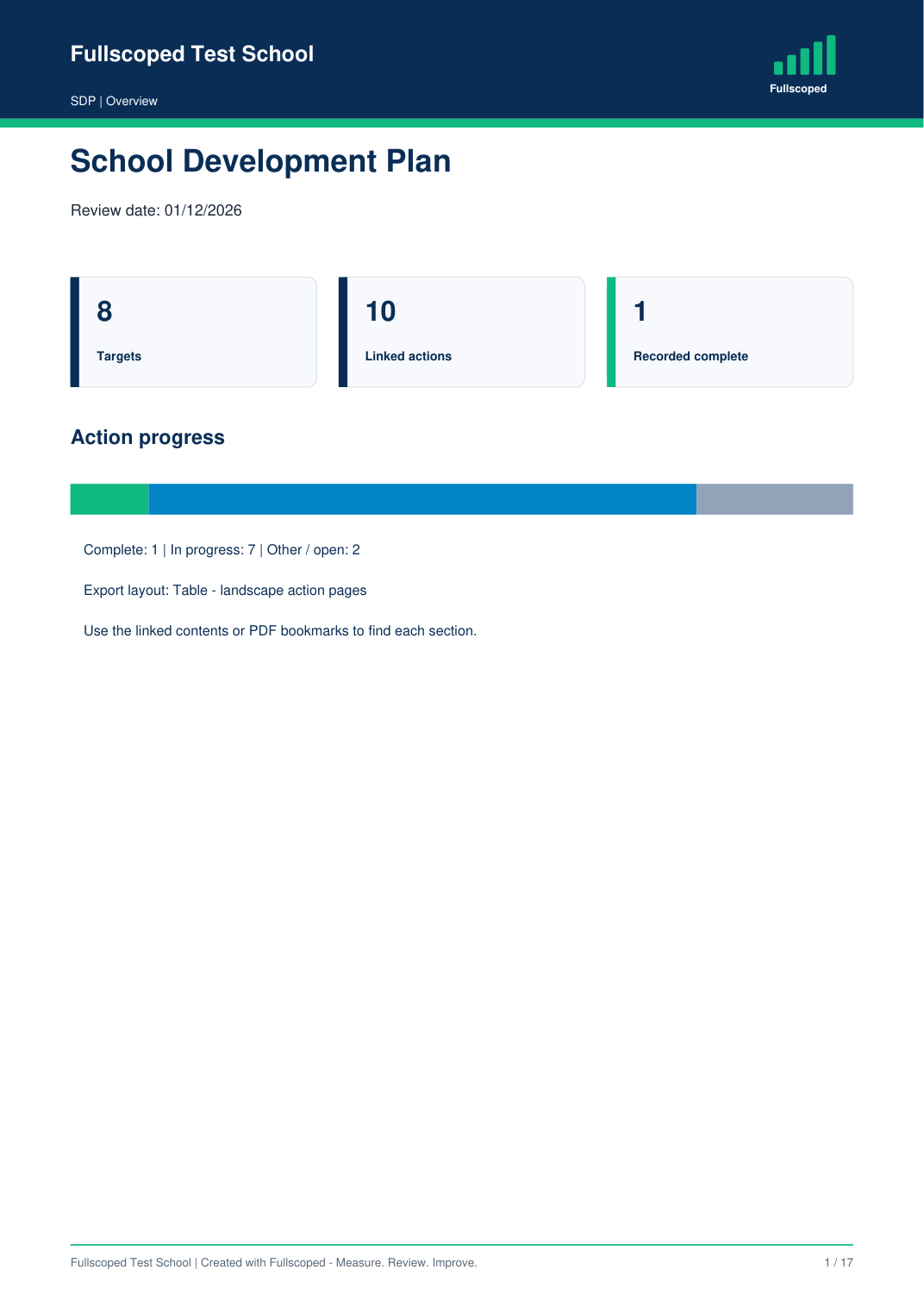
Example screens use fictional data; they do not represent results achieved by a real school.
AI suggests where your update belongs in the SEF and SDP. Check the wording and choose what to apply.
Optional AI: £100 per school / year · 240 shared successful generations.
School authorisation is required before activation. OpenAI processes the school-level text selected for each request; processing is not UK-only. Keep identifiable pupil information and individual cases out. AI can make mistakes, so leaders check its suggestions. Read the AI terms and data arrangements.
Both prices include the same core features. Add AI for £100 per year. No automatic renewal.
Yes. The core subscription includes self-evaluation, development planning, shared staff access, review history and SEF / SDP exports. AI drafting and governor report drafting are optional extras.
One successfully generated draft uses one generation, whether or not you apply it. Reviewing suggestions, applying approved changes and exporting an existing report do not use another generation. The annual AI add-on includes 240 shared generations, with no automatic top-ups.
Request the introductory offer or place a standard order. Orders are reviewed before invoicing, and setup and onboarding support are included.
No. You review the proposed wording and destination, select the changes you want and approve them before they are applied. Governor reports are also reviewed before export.
Bring evaluation, priorities, actions and progress into one place. Choose optional AI support when it suits your school.